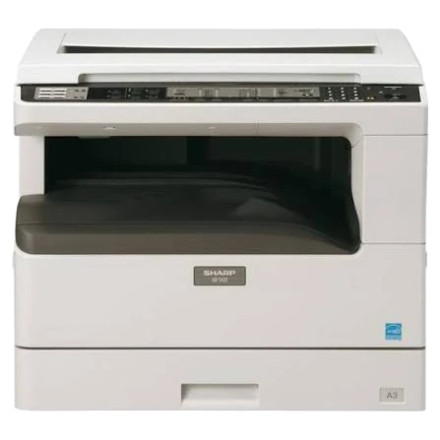
The Sharp AR-5618 is a multifunction copier and printer designed for office and home use. Installing the correct Sharp AR-5618 driver allows Windows 11 and Windows 10 computers to communicate with the device for printing and related functions. Driver availability may depend on the connection type and Windows version. If Windows does not automatically install a compatible driver, download the appropriate Sharp driver package, extract it if necessary, and run the included setup program. Connect the AR-5618 when prompted and complete the installation.
Quick Install
- Download the Sharp AR-5618 driver (SHB03_SPLC_1306a_x64.zip) for your Windows version.
- Extract the downloaded ZIP file if required.
- Run the
setup.exefile and follow the installation prompts. - Connect the AR-5618 and print a test page.
Sharp AR-5618 Printer SPLC & TWAIN drivers
File: SHB03_SPLC_1306a_x64.zip
SHA-256:
c2fd5feb99a85c75cb88684f970a84a7cfed99cda0a0e17184ea5546bd30a8cf
Sharp AR-5618 Printer SPLC & TWAIN drivers
File: SHB03_SPLC_1306a_x86.zip
SHA-256:
667dd819355b353e75b0b39af147bc1da262e496d3c0a88c9fea20c9db9f90f4



