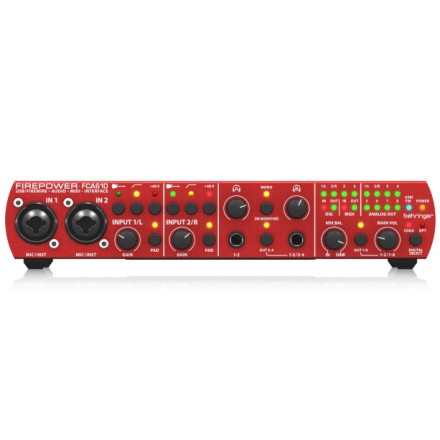
Device
Manufacturer
Model No.
FCA610
Interface/port(s)
Behringer Firepower FCA610 drivers provide Windows support for the USB and FireWire audio interface, enabling ASIO, WDM, and MIDI connectivity for recording, playback, and professional audio applications.
Quick Install Steps
- Download & extract – Download
Behringer_FCA610_USB_Drv_V6_13_0.zip, then right-click the ZIP file and select Extract All. - Open the folder – Open the extracted folder and locate the FCA610 USB driver
setup.exeprogram. - Install the driver – Right-click the setup program, select Run as administrator, and follow the on-screen instructions.
- Connect – Then connect the FCA610 using USB and verify that Windows recognizes the audio interface.
Behringer FCA610 USB Driver
File: Behringer_FCA610_USB_Drv_V6_13_0.zip
SHA-256:
3a7a2bc02c061dc443e2ae20b725c2239369787e01d2b947541e74567ecf3208
Behringer FCA610 USB Driver
File: Behringer_FCA610_USB_Drv_V6_11_0.zip
SHA-256:
dfe97321877ff3ac53e2348cb04930ad749c6147b5e22076f4f6efcc291a80fa
Behringer FCA610 Firewire Driver
File: Behringer_FCA610_USB_Drv_V6_13_0.zip
SHA-256:
5420f205c64452f5ea1b323b20b84f94331a363edcc90b4e93e1e0bd7a51ff73
Behringer FCA610 Firewire Driver
File: Behringer_FCA610_USB_Drv_V6_11_0.zip
SHA-256:
b8a4ee40bef1aa35d2acc719633380e393b69c85facb90342592c3deaae54292
HWID(s)



