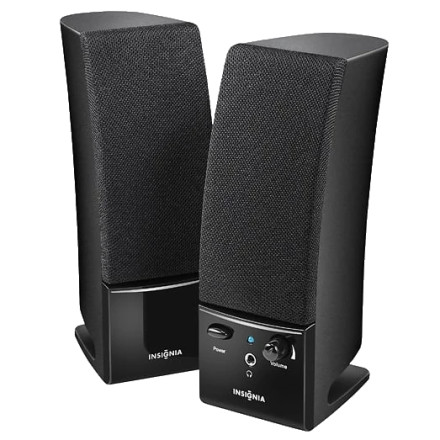
Device
Manufacturer
Model No.
NS-PCS20
Interface/port(s)
If your Insignia NS-PCS20 speakers are not working properly, try these quick troubleshooting steps:
- No power: Make sure the AC adapter is securely connected to the right speaker and a working wall outlet. Press the Power button and verify the blue power LED is illuminated.
- No sound: Ensure the green 3.5 mm audio plug is connected to your computer's Audio Out/Headphone jack, the speaker volume is turned up, and the correct playback device is selected in Windows.
- Distorted or crackling audio: Lower the computer's output volume to around 70–80%, set the speaker volume to a moderate level, and reconnect the audio cable securely.
- Sound only through headphones: If headphones are plugged into the right speaker, the speakers are muted automatically. Remove the headphones to restore speaker output.
- One speaker not working: Verify the speaker cable between the left and right speakers is securely connected and inspect the cables for damage.
- Still having problems? Restart your computer, try another audio source or 3.5 mm output, and test the speakers on a different computer to determine whether the issue is with the speakers or the audio source.



