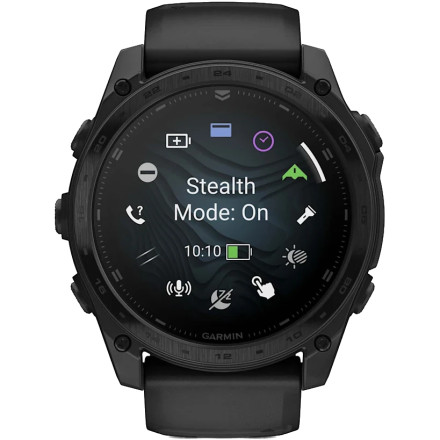
Manufacturer
Model No.
010-03406-00
010-03405-00
010-04553-10
010-03407-00
010-03407-10
Operating System(s)
How to install the TopoActive maps on the Garmin tactix® 8 (and other models)
To install the TopoActive maps on the Garmin tactix® 8 requires a bit of patience, especially if downloading or upgrading the USA TopoActive maps which is 10GB. This is what we found:
- We couldn't download the maps using Garmin Explore for Windows, the option wasn't visible.
- The download had to be done via the watch interface Map Manager using WiFi.
- The only way the download would complete without failure was to turn off pin code entry.
Why are the TopoActive maps so slow to download?
It is simply because the WiFi interface of the Garmin tactix® 8 is special low power chip that has a low data rate. So if you are planning a trip, make sure you have downloaded the maps well in advance.



