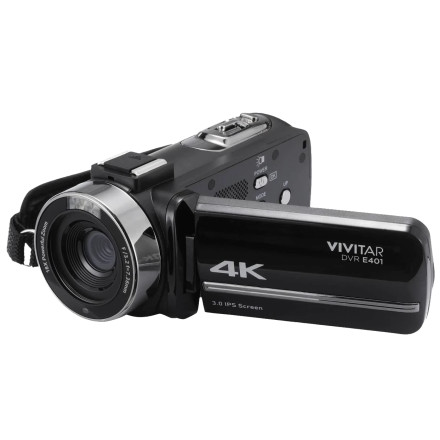
🧱 Device
🏗️ Manufacturer
#️⃣ Model No.
DVRE401-BLK-STK-4
🔋Battery
🛜 Network Technology
Interface/port(s)
Port(s)
Video Technology
UPC
681066087619
Connect the camcorder to computer is able to transfer the images to computer, also can use the camcorder as a PC camera.
1. Connect the Type-C USB port of the camcorder and the USB port of the computer with supplied USB cable.
Note: If connect the USB cable when the camcorder is in Playback mode, it only for battery charging can not use as a PC camera mode.
2. The camcorder will be powered on automatically, then screen be shown the available options.
Image
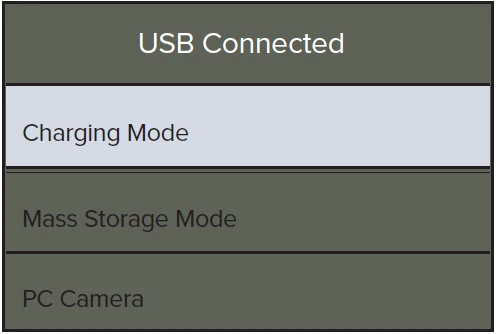
Tap the desired option or press UP/DOWN button then press Power/OK/Light button to confirm the settings.



