🧱 Device
Series
🏗️ Manufacturer
Version:
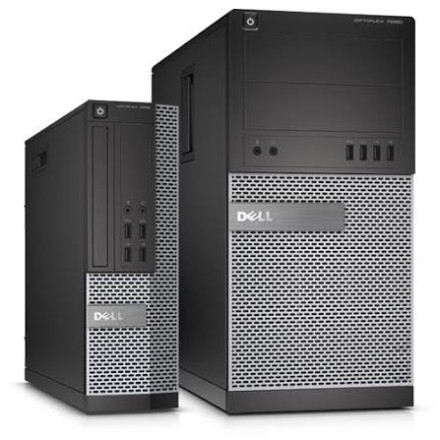
OptiPlex Small Form Factor
OptiPlex Tower Form Factor
Operating System(s)
Quick Install Steps
- Download the drivers – Download the Dell OptiPlex 7020 drivers for your version of Windows and save them to your computer.
- Run the installer – Open the downloaded driver file and double-click the
.exeinstaller to begin installation. - Follow the prompts – Accept the license agreement and follow the on-screen instructions to complete the driver installation.
- Restart Windows – Restart the computer when prompted. Repeat the process for any remaining chipset, graphics, audio, network, or other device drivers.
Dell OptiPlex 7020 drivers for Windows 11 and Windows 10 provide essential software for the desktop’s chipset, graphics, audio, network, storage, and other hardware. Installing the correct drivers helps maintain hardware compatibility, system stability, device functionality, and reliable performance across supported Windows operating systems. Drivers links are for the Tower and the Small Form Factor (SFF)



