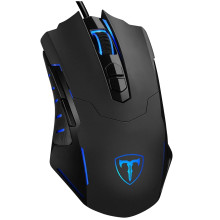
🧱 Device
🏗️ Manufacturer
#️⃣ Model No.
T7
etpc t7
Interface/port(s)
If your EASTERNTIMES TECH Wired Gaming Mouse T7 or software isn’t working, start by uninstalling any existing mouse software from your system. Restart your PC, then reconnect the mouse to a different USB port to allow Windows to install default drivers automatically. If features like DPI or RGB aren’t working. This software only controls additional features such as mouse sensitivity, macros and individual user profiles.
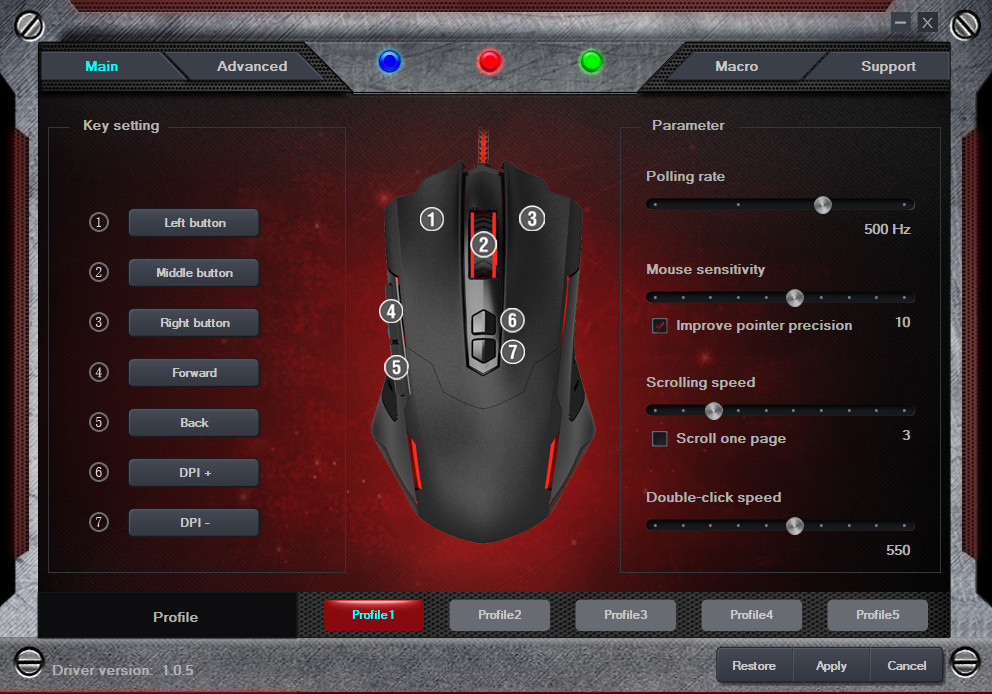
T7 Wired Gaming Mouse Driver
File: T7_PC034en.zip
SHA-256 Checksum:
fc494ae6f4869ea73a4131f7212daa15a272f5951de46742b713465b03a5c0b4



