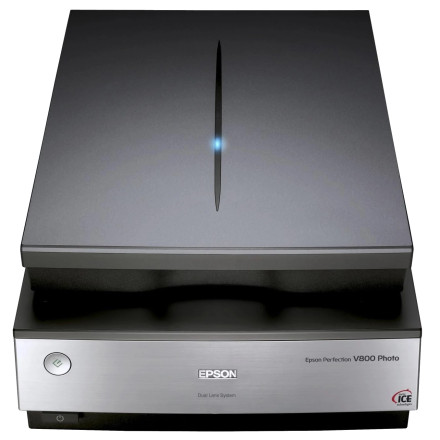
The Epson Perfection V800 Photo Scanner drivers are pivotal in establishing seamless connectivity between the scanner and your device. Accessible through Epson's official site or direct links below, these drivers ensure optimal functionality and compatibility across various operating systems including Windows and macOS.
Renowned for its exceptional scanning capabilities, the V800 boasts an optical resolution of 6400 dpi and an advanced Dual Lens System for unparalleled image precision. These drivers enable access to the scanner's comprehensive features, including film scanning using its transparency unit and compatibility with various imaging software for proficient photo restoration and enhancement. Regular updates to these drivers are essential, ensuring sustained performance, improved compatibility with evolving systems, and continued support for high-quality scanning experiences for professionals and photo enthusiasts alike.
Scanner Driver and EPSON Scan Utility
File: V800_V850_EScan_3935_AM.exe
77545fcc3dd583993fb659cf0a31ab27267fdeaa912f6d53e495fc74c07f2166
Epson ScanSmart (Core Files)
File: SS_3.7.10_Core_PHO.exe
4d1961c8bb811ebe00615846a374c3144f89e675f8e23d848f8cdc8fec2efdb2
Scanner Driver and Epson Scan 2 Utility for ScanSmart ONLY
File: EScan2_6.4.84.0.exe
57a6147b105789fa7d065a8d213064cb52a5420f24bb94583409b08ec986de20



