🧱 Device
🏗️ Manufacturer
#️⃣ Model No.
d528-2496
eMD528
CPU/Chipset(s)
RAM (Max.)
DDR3
SODIMM
4 GB
x2 Slots
Year
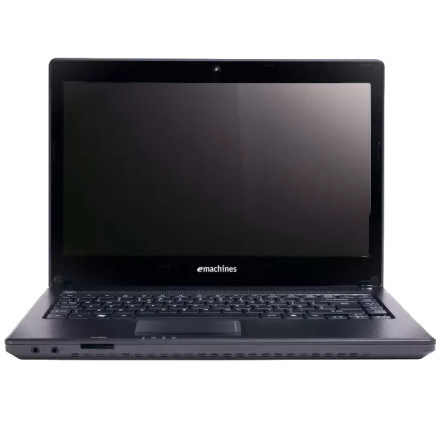
The eMachines D528 is a budget laptop from the eMachines lineup. Its hardware configuration can vary depending on the model and factory options, so the supplied drivers below should be matched to the installed components and supported Windows version. Available packages may include chipset, graphics, audio, network, wireless, touchpad, and card reader drivers.
Driver Installation
- Identify your installed Windows version.
- Check Device Manager for missing drivers or unidentified hardware.
- Install the chipset driver first, followed by graphics, audio, and network drivers.
- Install the wireless, touchpad, card reader, and other device drivers as needed.
- Restart the laptop after installation and check Device Manager for remaining driver issues.
Note: Not every driver listed below will apply to every eMachines D528 configuration. Check the hardware IDs and device specifications before installing a package.
🔊Sound Drivers:
📷Webcam Drivers:



