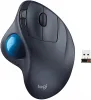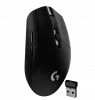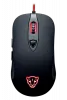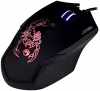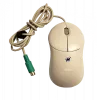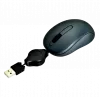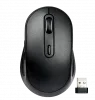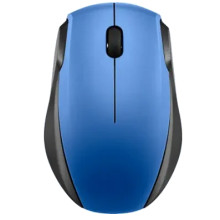
Our mouse support pages cover a wide range of both modern and legacy mouse drivers. One important thing to note—especially with gaming mice—is that many models are rebranded or share identical internal hardware across different manufacturers. Because of this, drivers or configuration software may work on similar mice, unless the software is hard-coded to a specific hardware ID (HWID).
When troubleshooting mouse issues, always start with the basics. For wireless mice in particular, check the batteries, confirm the wireless USB dongle is present and properly connected (if required), and verify that Bluetooth is enabled and correctly paired when applicable. These simple checks resolve a large percentage of mouse-related problems before driver troubleshooting is needed.
![[Solved] Logitech Wirless Mouse Not Working](/sites/default/files/styles/thumbnail/public/2022-10/tech-logitech-wirless-mouse-not-working.webp?itok=nFVj3phN)