🧱 Device
🏗️ Manufacturer
#️⃣ Model No.
WU5501
CPU/Chipset(s)
🛜 Network Technology
Frequencies
Port(s)
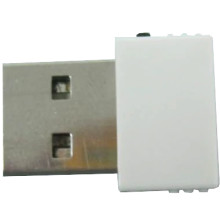
The Drivers for the Abocom WU5501 Mini USB WiFi Network Adapter on Windows 11, 10,8, 7 to XP can be downloaded below. This USB WiFi adapter also has a WPS button for connecting.
Quick Installation Steps
- Download the Realtek driver package from the link below.
- Extract the downloaded ZIP file, then run Setup.exe. If no installer is included, open Device Manager and update the driver manually.
- Follow the on-screen instructions, then restart your computer if prompted.
- Connect the WU5501 adapter to a USB port and use the WPS button or enter your Wi-Fi password to connect to your wireless network.
More information is in the below user manual.
🖧Network Drivers:
📖Documentation/Manuals:



