Device
Manufacturer
Model No.
CSR8510 A10
75270
Csr8510A10
CPU/Chipset(s)
Network Technology
Interface/port(s)
The CSR CSR8510 A10 USB Bluetooth 4.0 Adapter driver supports Windows 10, 8.1, 7, Vista, and XP. Two setup files are included below for quick installation: CSR8510-x64-setup.exe for 64-bit Windows and CSR8510-x32-setup.exe for 32-bit Windows.
Quick Install
- Download the correct driver for your version of Windows.
- Run CSR8510-x64-setup.exe for 64-bit Windows or CSR8510-x32-setup.exe for 32-bit Windows.
- Follow the installation prompts and restart your PC if required.
- Connect the CSR8510 Bluetooth adapter and allow Windows to detect it.
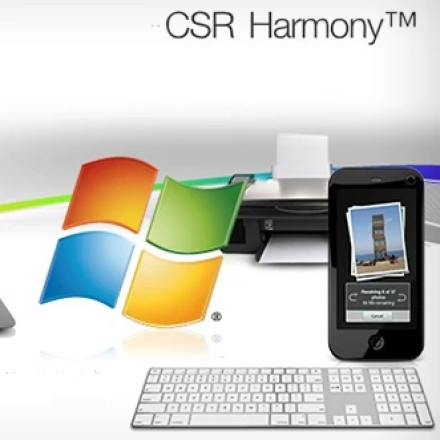
CSR Harmony Bluetooth Stack Driver
File: CSR8510-x64-setup.exe
SHA-256:
188ac68766be38240fa9572209885a37f10aab5868c0d6661f59feadf35a4f09
CSR Harmony Bluetooth Stack Driver
File: CSR8510-x32-setup.exe
SHA-256:
539e20a7820d76833a884e46c180afe925eae26940860cf3be7706ace5419e88
HWID(s)



