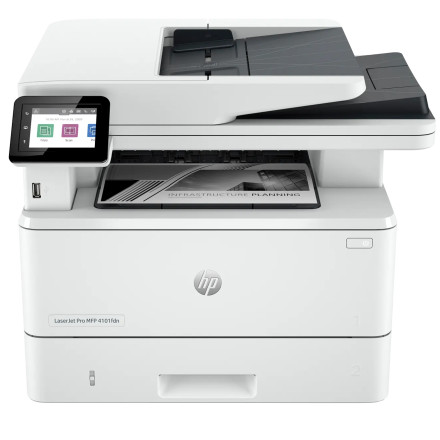
Device
Series
Manufacturer
Model No.
2Z618F#BGJ
Operating System(s)
Quick Install Steps
- Download the driver – Download the HP LaserJet Pro MFP 4101fdn printer driver from the Universal Drivers below for Windows 11 or Windows 10. HP lists the printer as compatible with both operating systems.
- Run the installer – Locate the downloaded driver package, then double-click the installer to start the setup process. If Windows displays a security prompt, select Yes to continue.
- Complete the installation – Follow the on-screen instructions and connect the HP LaserJet Pro MFP 4101fdn when prompted. For a network installation, make sure the printer is connected to the same network as the computer.
- Test the printer – After installation is complete, open Settings → Bluetooth & devices → Printers & scanners, select the HP LaserJet Pro MFP 4101fdn, and print a test page to verify the driver is working correctly.



