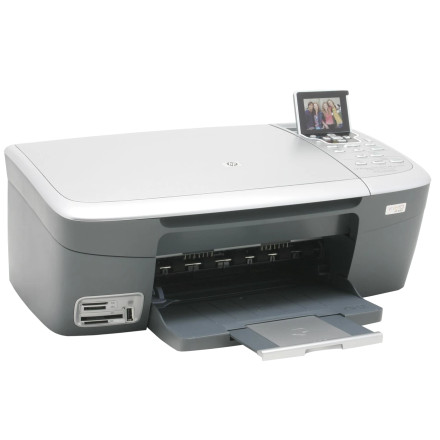
Device
Series
Manufacturer
Model No.
Photosmart 2570
Network Technology
Interface/port(s)
packages below provide the original HP driver and installation software for supported Windows versions. Use the Windows 11, 10, or 8 package for newer systems, or the separate Windows 7 package for older computers.
Driver Installation
- Download the appropriate driver package for your version of Windows.
- Locate the downloaded
.exefile and double-click it to start the installer. - Follow the on-screen instructions to install the printer software.
- Connect the printer to your computer via USB when prompted, or follow the installer’s connection instructions.
Driver downloads:
- Windows 11, 10, 8:
AIO_CDB_2570_Full_Win_WW_140_408-5.exe - Windows 7:
AIO_CDB_2570_Full_Win_WW_130_141.exe
Note: These are legacy HP software packages. Compatibility with newer Windows versions, particularly Windows 11, may vary.
HP Photosmart 2570 Series AIO Printer Driver
File: AIO_CDB_2570_Full_Win_WW_140_408-5.exe
SHA-256:
0bb9eab7b7deac45b321edee723461a005c500658e8415458d2d19c6ccf8704d
HP Photosmart 2570 Series AIO Printer Driver
File: AIO_CDB_2570_Full_Win_WW_130_141.exe
SHA-256:
a044cb3cc7550ccb87f526cb90bb2599c0cab8cc58c41e81ce641097fb39a86f



