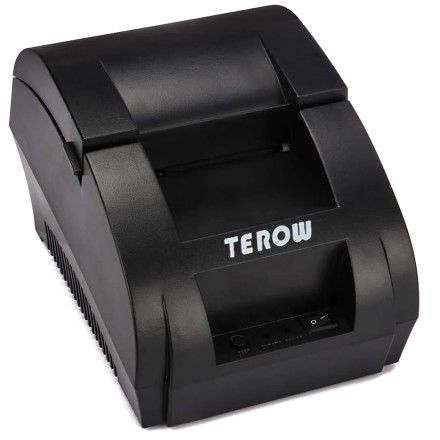
Device
Model No.
ZJ-5890K
POS-5890K
T5890K
Interface/port(s)
UPC
778862063890
ASIN
B081SJTJ5G
The Terow POS-5890K is a thermal receipt printer designed for printing receipts on 58mm thermal paper. The driver package is available through POS Printer Driver Setup 58mm.exe and provides the software needed to configure the printer in Windows.
Driver Installation
- Download
POS Printer Driver Setup 58mm.exeand locate the file in your Downloads folder. - Connect the Terow POS-5890K to your computer using its USB cable and turn on the printer.
- Right-click the setup file and select Run as administrator.
- Follow the installation prompts, select the appropriate 58mm printer model and port, and complete the setup.
- Open Settings > Printers & scanners in Windows to check that the printer is installed. Print a test receipt to verify operation.
💾Drivers:



