
🧱 Device
Version:
3.30C
Interface/port(s)
POS Printer Test V3.30C – Language Selection
When launching Printer Test V3.30C.exe for the first time, the program may open with a language other than English.
Before using the printer testing utilities:
- Run
Printer Test V3.30C.exe. - Locate the language selection option in the program.
- Change the language to English.
- Confirm the selection if prompted.
- Continue using the printer test utilities in English.
Image
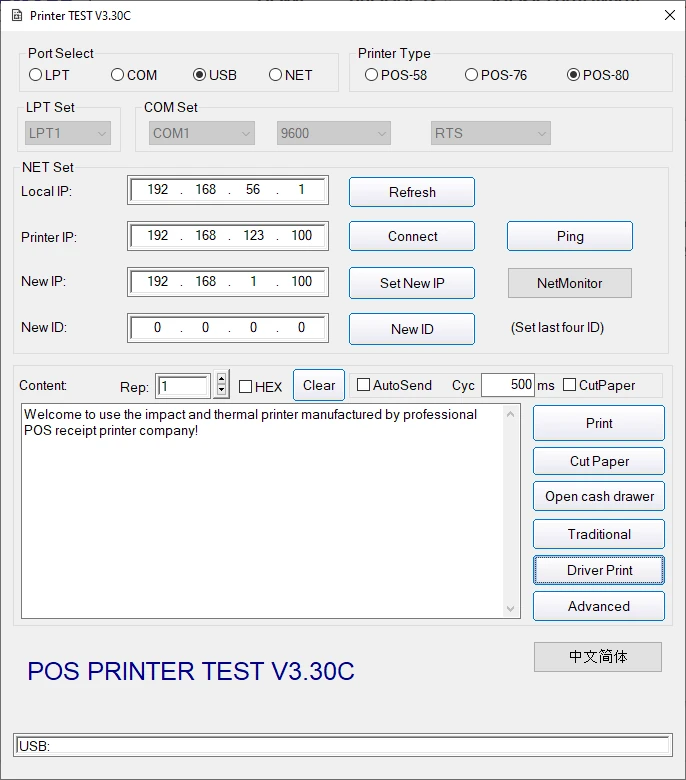
This makes the available printer settings and testing functions easier to understand when configuring or troubleshooting a compatible POS thermal receipt printer.
POS Printer Test Utility
File: Printer Test V3.30C.exe
SHA-256 Checksum:
552fc2fb11e696bf8cef82816a79ec1fb8639a98ee7a41a7e93ee6b30509cffd