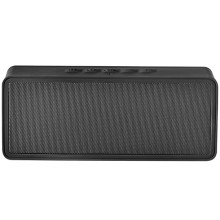
Device
Manufacturer
Model No.
NS-SPBTBRICK-C
Best Buy SKU: 4388800
Network Technology
UPC
600603192012
CONNECTING WITH BLUETOOTH
- Make sure that your Bluetooth device is turned on and within 33 feet (10 meters) of your speaker.
- On your speaker, press and hold the button. Your speaker enters pairing mode, and the LED on your speaker blinks. Your speaker remains in pairing mode until it pairs with a Bluetooth device.
Note: Press and hold the button to return to pairing mode.
- Turn on your Bluetooth device and turn on Bluetooth. Set your device to pairing mode, then select NS-SPBTBRICK. See the instructions that came with your Bluetooth device for information about pairing.
- If you are asked for a password, enter 0000. When pairing is complete, the LED on your speaker lights solid blue.
- To disconnect from the paired Bluetooth device, press and hold the button on your speaker for three seconds. You will hear a beep. Your speaker disconnects from the Bluetooth device and enters pairing mode again.
📖Documentation/Manuals:



