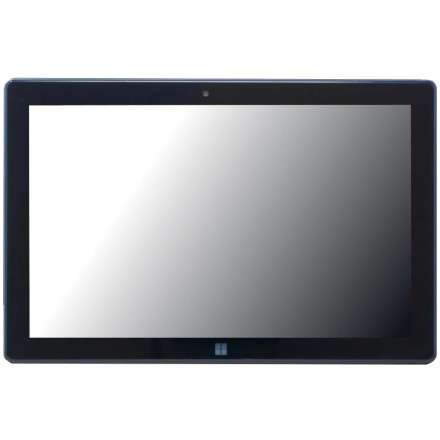
Device
Manufacturer
Model No.
FWIN232 PRO N5
CPU/Chipset(s)
Storage
512 GB
SSD
RAM (Max.)
12 GB
Network Technology
Year
Video Technology
ASIN
B0FM1F3QKG
Operating System(s)
The Fusion5 FWIN232 PRO N5 is a 10.1-inch Windows tablet with an Intel processor, touchscreen display, wireless connectivity, and Bluetooth. The correct drivers are needed for components such as graphics, audio, Wi-Fi, Bluetooth, touchscreen input, and system devices to function properly.
Driver Installation
- Check the exact tablet model and installed Windows version.
- Download available drivers from the available packages below.
- Install the appropriate drivers, following any instructions supplied with each package.
- Restart the tablet and check Device Manager for any remaining devices with missing drivers.
Note: Confirm that each driver matches your specific FWIN232 PRO N5 hardware configuration. Avoid installing drivers intended for similarly named Fusion5 models unless compatibility is verified.
🔊Sound Drivers:
🖧Network Drivers:
📶Bluetooth Drivers:
💳Card Reader Drivers:



