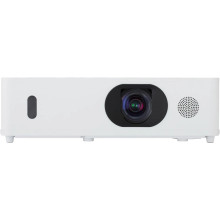
🏗️ Manufacturer
#️⃣ Model No.
MC-WU5501
Maxell MC-WU5501 LCD Projector Troubleshooting
- Projector won't power on: Verify the power cable is securely connected, try a different wall outlet, and ensure the unit has completed its cooling cycle before attempting to restart.
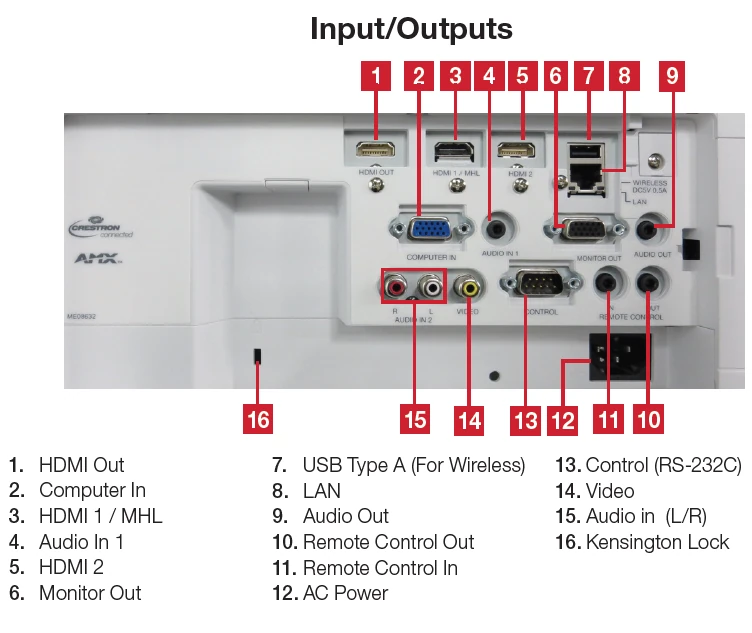
- No image displayed: Confirm the correct input source (HDMI, VGA, HDBaseT, etc.) is selected and check that all video cables are firmly connected.
- Image is blurry: Adjust the focus ring, verify the projection distance is within specifications, and clean the projection lens with a soft microfiber cloth.
- Projector overheats or shuts down: Clean the air filters, ensure ventilation openings are unobstructed, and allow adequate airflow around the projector. (Maxell)
- Lamp or status LED flashing: Refer to the LED indicator in the user manual, allow the projector to cool completely, and replace the lamp if it has reached the end of its service life.
Image
📖Documentation/Manuals:



