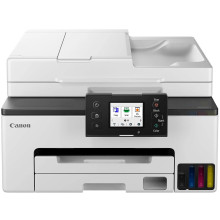
🧱 Device
🏗️ Manufacturer
#️⃣ Model No.
GX2000
🛜 Network Technology
Interface/port(s)
Want to install the drivers for the Drivers for the Canon MAXIFY GX2000 Series Printer on Windows 11, 10, then follow these 4 easy steps.
Step 1 – Download the Driver
Download the latest Canon MAXIFY GX2000 Series printer driver compatible with Windows 11 or Windows 10, then save the installer to your PC.
Step 2 – Install the Driver
Run the downloaded installer as an administrator, accept the license agreement, and follow the on-screen instructions. Connect the printer via USB or Wi-Fi when prompted.
Step 3 – Finish the Setup
Complete the installation, restart your computer if requested, and print a test page from Settings → Bluetooth & devices → Printers & scanners to verify the printer is installed and working properly.
Canon GX2000 series MP Driver
File: md__-win-gx2000-1_04-ea34_2.exe
SHA-256 Checksum:
b0fd8047ad6c5d760ed15a66ccb7dfaee7cdc284d38012968d2d607e68a86cc1



