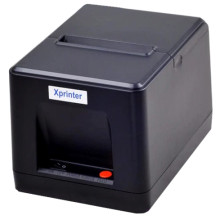
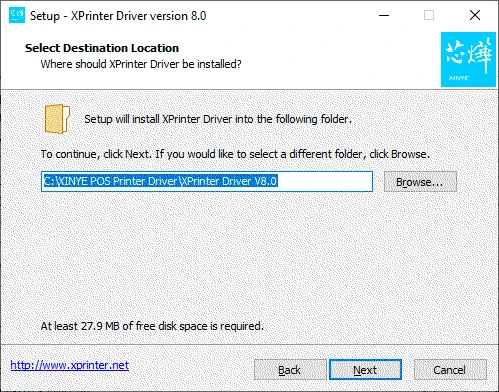
The Xprinter XP-80C printer can be connect using the drivers that can be downloaded below for Windows/macOS and Android. The most common PC configuration is going to be connected to Windows 10 in a shop environment. Installing is easy, download the installation package below which is a self-extracting .exe file that should be run as an administrator, during the install follow the prompts.
For macOS download the .zip file below and extract it to a location that you will be able to easily access and run the .pkg file as an elevated user or super user.
Xprinter Driver 58/76/80/90mm
File: XPrinter Driver Setup V8.2.exe
a84e7cea4fdca8370a7a3d4c858970eb7ac368602b184de8fe06abfb4c653d78
Xprinter Driver 58/76/80/90mm
File: XPrinter Driver V8.0.exe
0bfc7050e69aa27231086d7e2618f74dee1402a4501812ecc4de93310dc8826e
Xprinter Driver 58/76/80/90mm
File: XPrinter Driver Setup V7.77.exe
Xprinter Driver 58/76/80/90mm
File: Mac Driver.zip
3826b0e770672cba4fc68147e24440117d98c0b673e2d9632dc668cf5dc64c06
Xprinter Driver 58/76/80/90mm
File: Mac Driver.zip
Xprinter Print Service
File: Xprinter print service_1.4_new.apk
4c9392e06a97abf9f2aa765ebe08d7e65f72c0568bf84ac243dc7ffff06ea554
Xprinter Driver
File: Xprinter_2022.2.exe
284cc380c5d521bf94bc2ab60859edff07ededfe873ca7109aa8d169caf2efca



