Introduction
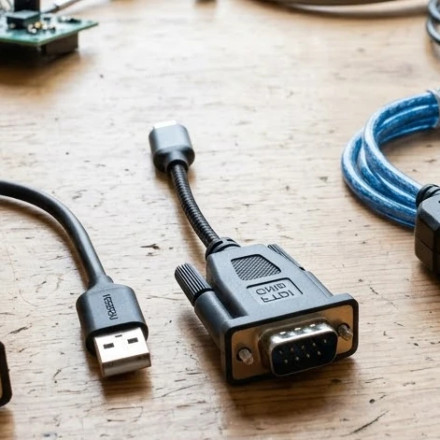
This guide is aimed to provide a comprehensive breakdown of the most common USB to Serial adapters, the chips that are used and finding the right driver based on that chip.
The Three Major Brands
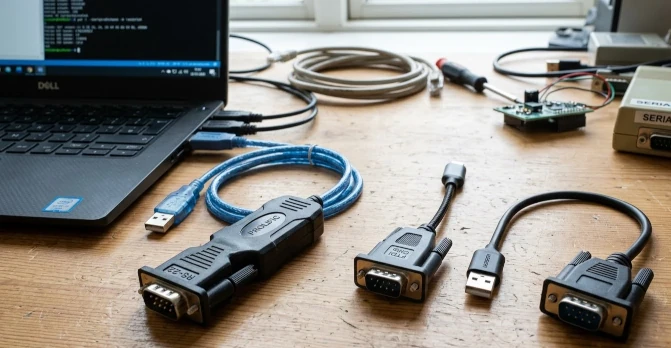
There are three (3) main manufactures today that design and build USB to Serial chips these are:
Installing the Adapter
Once an adapter has been plugged into your computer whether that be Windows, macOS or Linux the system in many cases will automatically install the drivers that are already included with the system, this may work fine in most cases and if it does you don't really need to continue with this guide. If the drivers are not install automatically manual installation will be required links below are to the 3 common chipsets. If you know your chipset it always recommended to visit the OEM's website for the latest drivers. Our site does link to the OEM but use due diligence and check for the latest drivers at the manufactures site.
Other Chips
These are less often used chips in USB to Serial:
Silicon Labs CP210x USB to UART Bridge Port Drivers
Clone Chips
Note about clone chips, due to the high quantity knock off chips on market USB to Serial chipset are no different, stay clear of dirt cheap adapters that have these they are junk and unreliable.



