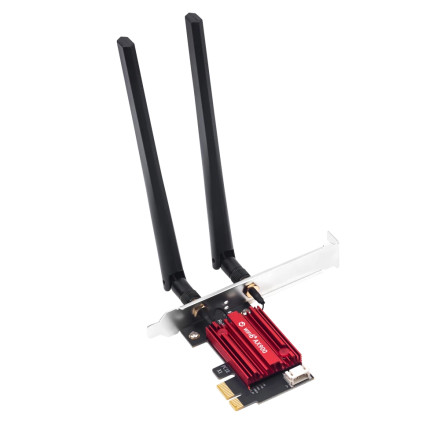
The Fenvi FV-AX900Pro Wi-Fi 6 PCIe Network Card uses the AIC8800D80 chipset, so installing the correct drivers is essential for proper performance on both Windows and Linux.
Windows 11 / 10 Installation:
Most systems will automatically detect the card, but if Wi-Fi is not working, download the latest AIC8800D80 driver package. Extract the files, open Device Manager, locate the unknown network controller, right-click, and select Update Driver. Choose Browse my computer and point to the extracted folder. This typically resolves issues like missing Wi-Fi, slow speeds, or random disconnections. Reboot after installation for best results.
Linux Installation (Important):
Linux does not natively support this chipset, so manual driver compilation is required. First, install dependencies such as build-essential, dkms, and your kernel headers. Then download the AIC8800D80 Linux driver source, extract it, and run make followed by sudo make install. Reboot your system after installation.
Common Questions:
- Why is Wi-Fi not detected? → Driver not installed or incompatible kernel.
- Do I need to reinstall after updates? → Yes, kernel updates often require recompiling.
- Is Bluetooth supported? → Yes, but may require separate setup on Linux.
Proper driver installation ensures stable Wi-Fi 6 performance and reliable connectivity.



