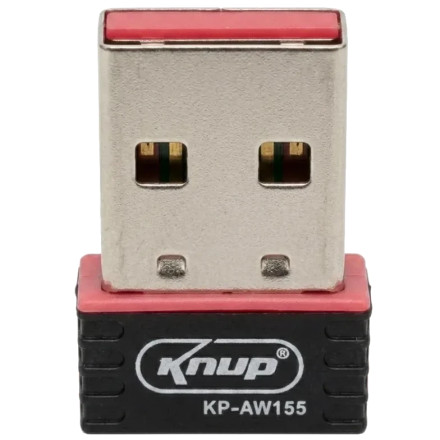
Device
Manufacturer
Model No.
KP-AW155
CPU/Chipset(s)
Network Technology
Interface/port(s)
ASIN
B0GL37CYRJ
he KNUP KP-AW155 USB Wi-Fi Adapter uses the driver package IS_Setup_ICS_011916_1.5.39.173.zip to install wireless network support on compatible Windows computers. Extract the ZIP file and run the setup program to install the driver. If Windows does not detect the adapter after installation, reconnect it and check Device Manager for any remaining driver issues.
Installation steps
- Download
IS_Setup_ICS_011916_1.5.39.173.zip. - Right-click the ZIP file and select Extract All.
- Open the extracted folder and run the setup program. If necessary, right-click it and select Run as administrator.
- Follow the installation prompts, restart your computer if requested, and connect to your Wi-Fi network.



