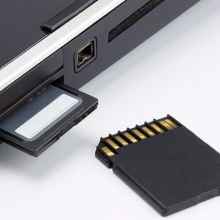
The Realtek Card Reader drivers are required if the card reader current drivers are out of date or are not functioning. Earlier versions of Windows didn't always have card reader drivers included with the operating system, and as manufactures stopped shipping CD-ROM Discs with device drivers, often the devices are left unusable especially after the manufacture starts dropping support for older devices. Once drivers are correctly installed you will need to insert a compatible memory card to have a drive letter appear on the computer, external USB card readers do show driver letters without cards inserted.
Drivers are on the Realtek website, also we have a cache of publicly available drivers are below.
Realtek Card Reader Driver
File: 0007-RtsXStor_10.0.370.188.zip
5e054924cadd182c8feb28000688dff3db72885d8e42281971d0930d497d607a
Realtek Card Reader Driver
File: 0001-Realtek_98_2K_Install_100617.zip
2ab41535c85c41288e79907bc1272cf71b3560895ba93acbe12be691c11b664e
USB smart card (CCID) reader driver
File: 0001-RtsUCcid_6.1.7600.00042_WithLogo.zip
c53ecd525f85beed6988a589e4f32817d6421e8412b50720890df4e6f6ad9c16



